This week I had to go back into squirtle animations and nerf his movement a bit so it wasn't so extreme during battles. I had to do this because we have a limited battle space.
I also completed two of the last pokemon portraits for our credit sequence!
This week I did the only animation for Sudowoodo that we'll have, his dance. I also did Bulbasaur's attack, razor leaf. He almost has all the final passes on his animations!
This week I focused on pushing out the first proxies of some animations that will hopefully make certain aspects of our VR experience easier to understand! I created a wave to get the player's attention, and a point to indicate the player should approach and do something nearby. The mixamo rig breaks when the elbow is bent because of auto-weight-painting, but we hope to fix that as soon as the professor's rig is finalized.
This week I was originally waiting on storyboard concepts so I could paint them, but instead was redirected into sculpting and subsequently generating a proxy of the priest for the game presentation. I did still generate and render a concept for our stained glass assets. Included a video demonstrating the current state of the project.
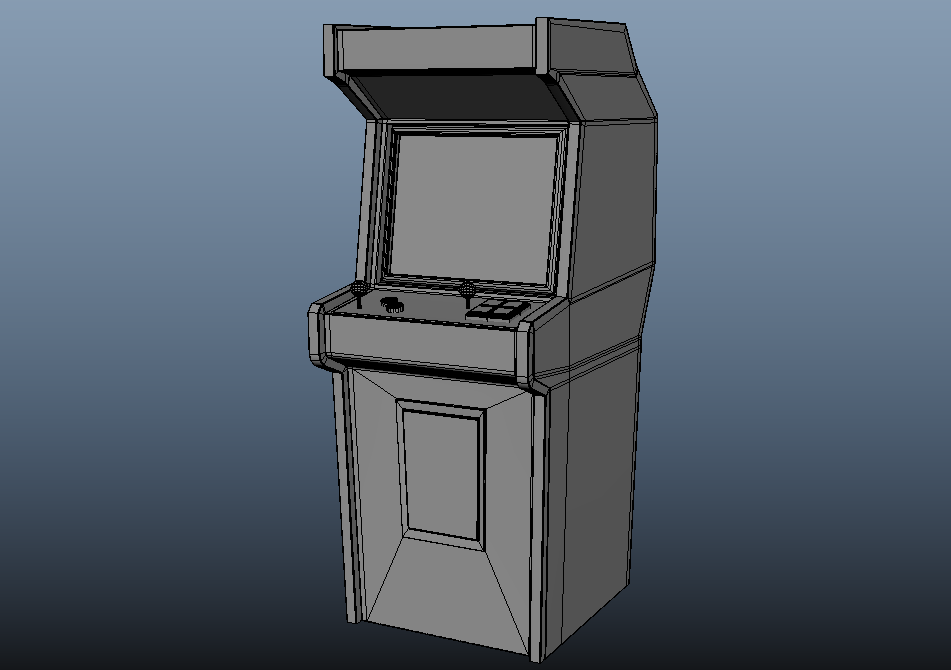
This week we're starting a modeling project that'll take us through the pipeline start to finish! Exciting. Here's what I have so far. I rendered part of it in ue5 for fun, and included a pic of the wireframe and reference.
This week we got to take our maya scenes into UE5 and really experiment with our rendering and animation capabilities in the engine. It was fun learning something new!
This week we looked at managing models and pieces with hierarchies. This is my abstract scene, of some sort of desert or forest ranch, with little abstract horses. I think they're cute as heck!
We also worked with UE5 lighting, which was super fun! Here's some pics of that. I chose the colors of the Jedi and the Sith, because I think they jive well.
I included a playblast of the movement of the pieces, made doable by the hierarchies, for a crane. Below, I've also included a sample of hierarchies for my scene (above).
This week we were tasked with taking a robot model our professor provided and turning into something standalone, with a callback to the original. I took the small upright robot and turned it into a robot corgi!
The rest of these images are from the different modeling techniques and topology basic videos, it was really interesting to learn everything!
Here's the playblast of my first animation here! I got some feedback to exaggerate everything, and I'm excited to use that feedback in our next assignment. Next one is going to be fixing my ball bounce.
Edit: I figured out what was going wrong and fixed it, I missed a few value changes and such but I've got more of an understanding on how rendering works!
So we're getting there.
I need to focus more on the rendering; to be honest the light setup and figuring out small problems rendering overwhelmed me completely. I couldn't get the renders to work the way I want to, and I'm sure it's some setting I am forgetting; for now, I'm going to re-watch the rendering video and hopefully update with a better render!